
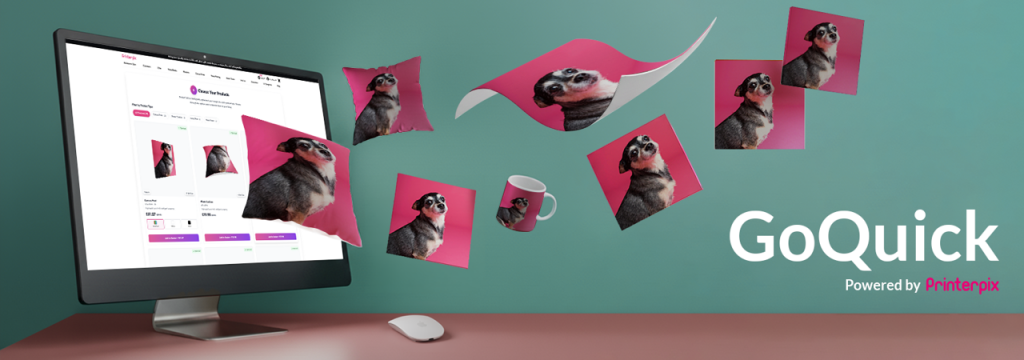
In today’s fast-paced AI world, convenience and efficiency are everything. At Printerpix, we know you want to create beautiful, personalized photo gifts without the hassle of a complicated design process—and in just a few moments. That’s why we’re thrilled to announce the launch of our latest innovation: GoQuick, a revolutionary feature designed to transform your photo gifting experience.
Table of Contents
What is GoQuick?
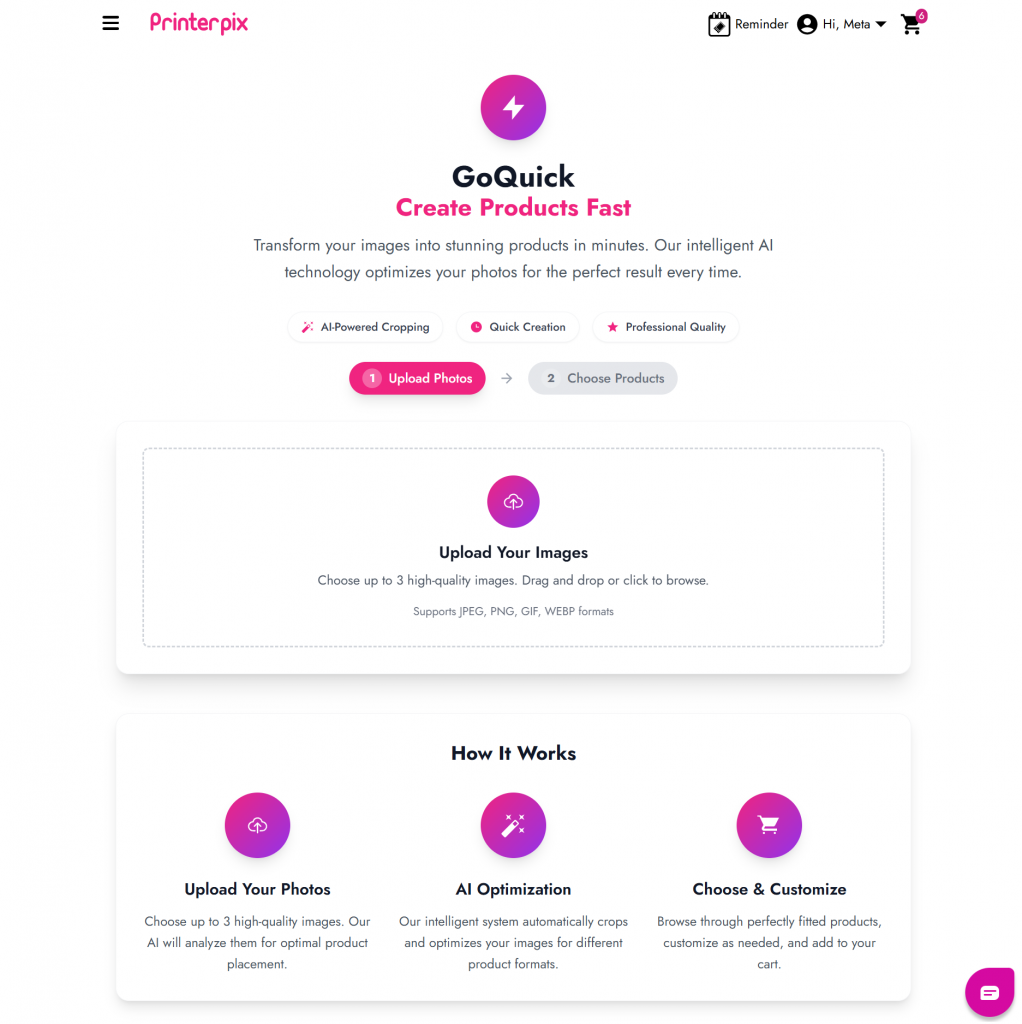
GoQuick is a powerful, AI-driven tool that lets you create stunning, professional-quality photo products in seconds. Located right on our homepage, this feature simplifies the creation process—just drag and drop up to three of your favorite photos directly into our creator. Our intelligent system then takes over, automatically analyzing your images and suggesting a curated range of products that best showcase your memories.
How to Use GoQuick?
Using GoQuick is as simple as it sounds. Here’s a quick video guide to get you started:
- Visit Printerpix Homepage: You’ll find the vibrant GoQuick AI banner just below our best-selling products or have fun with GoQuick here.

- Upload your photos: You can either drag and drop up to three photos directly onto the upload area, or click ‘Upload Photos‘ or ‘Upload Your Images’ to select from your mobile or desktop. Once it’s up loaded at 100%, AI will begin optimizing automatically.
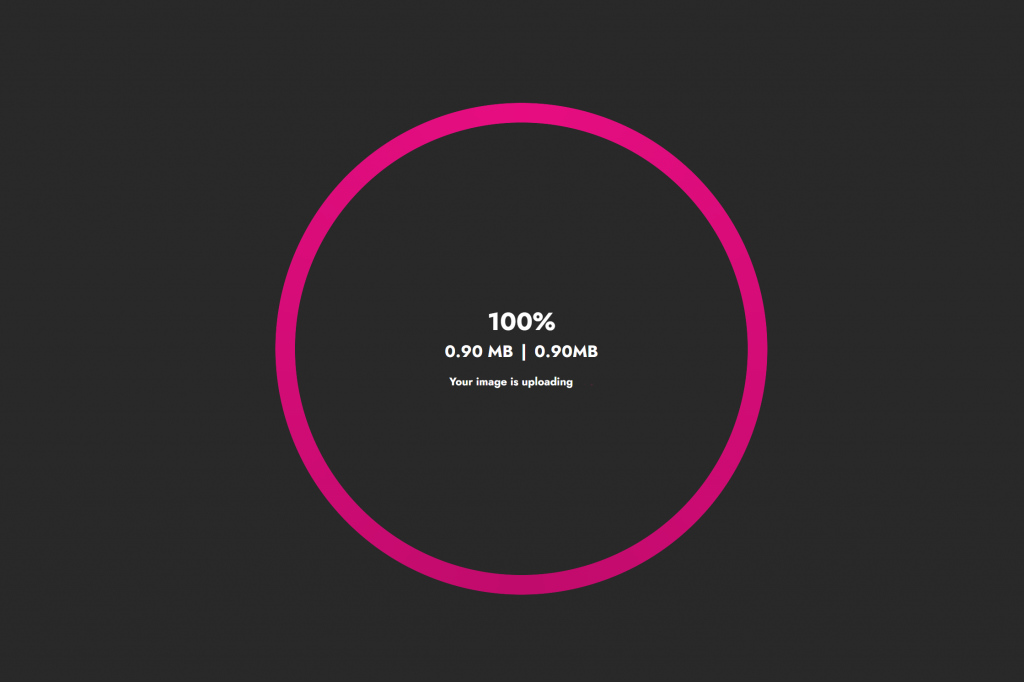
- Let the AI work its magic: Our AI instantly analyzes them for quality, composition, and subject matter.
- Choose your products: Within seconds, you’ll see a personalized selection of products—like photo books, canvas prints, mugs, and blankets beautifully tailored to your images.
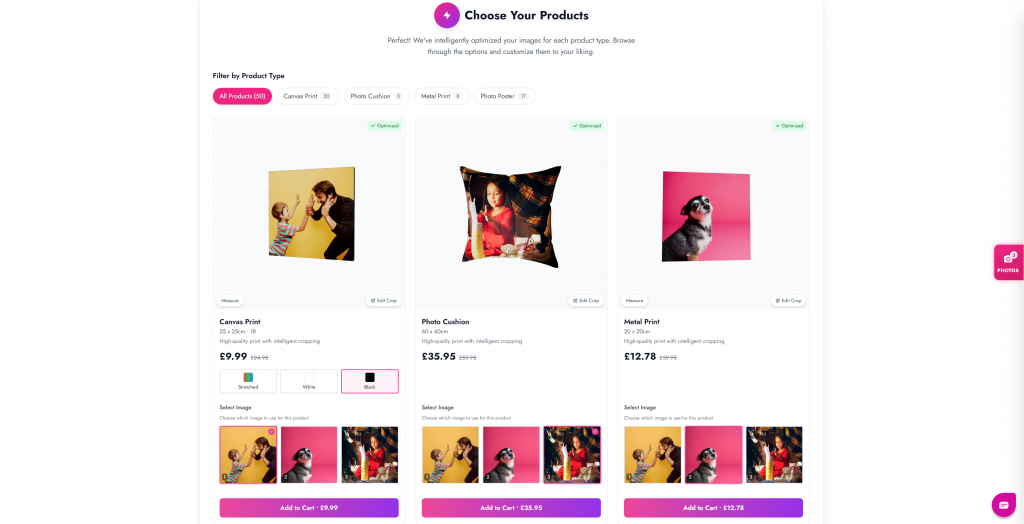
There you go! no design tools, no layout worries, no mess. We saw your challenges and solved them in just two steps:
- Upload your favorite pictures
- Choose your personalized product
That’s it. Quick, easy, and fun!
How to Resize an Image in GoQuick to Fit Right?
Find our video guide above. But here’s a quick breakdown to adjust or crop your image for canvas prints or photo cushions:
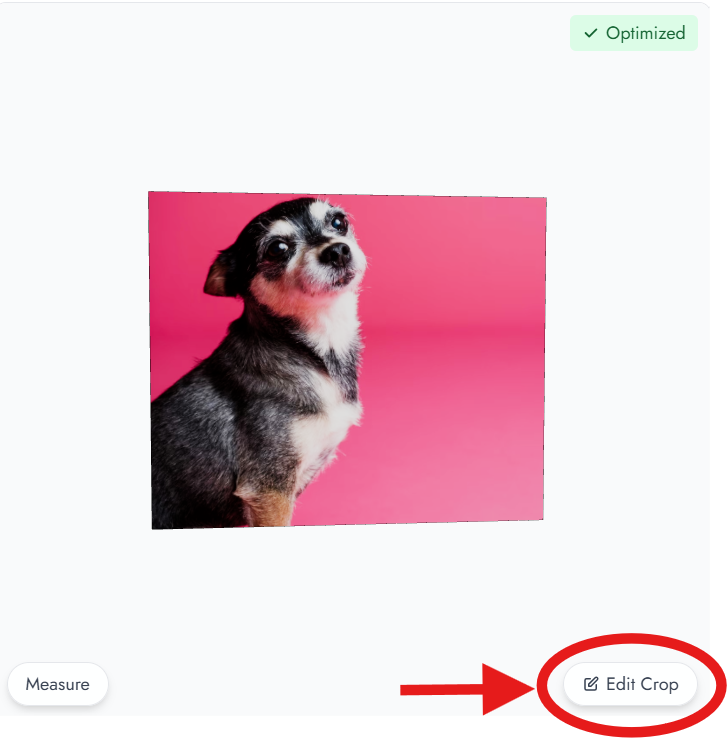
- Click Edit Crop at the bottom right corner of the image.
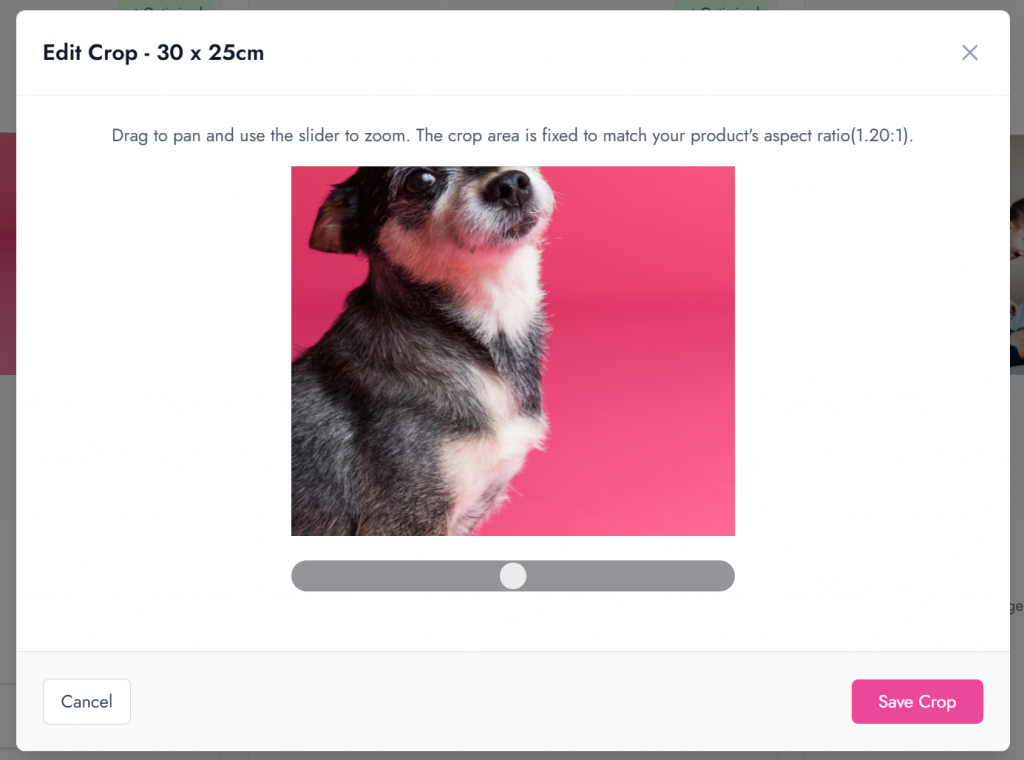
- Drag to pan or use the slider to zoom and adjust the aspect ratio.
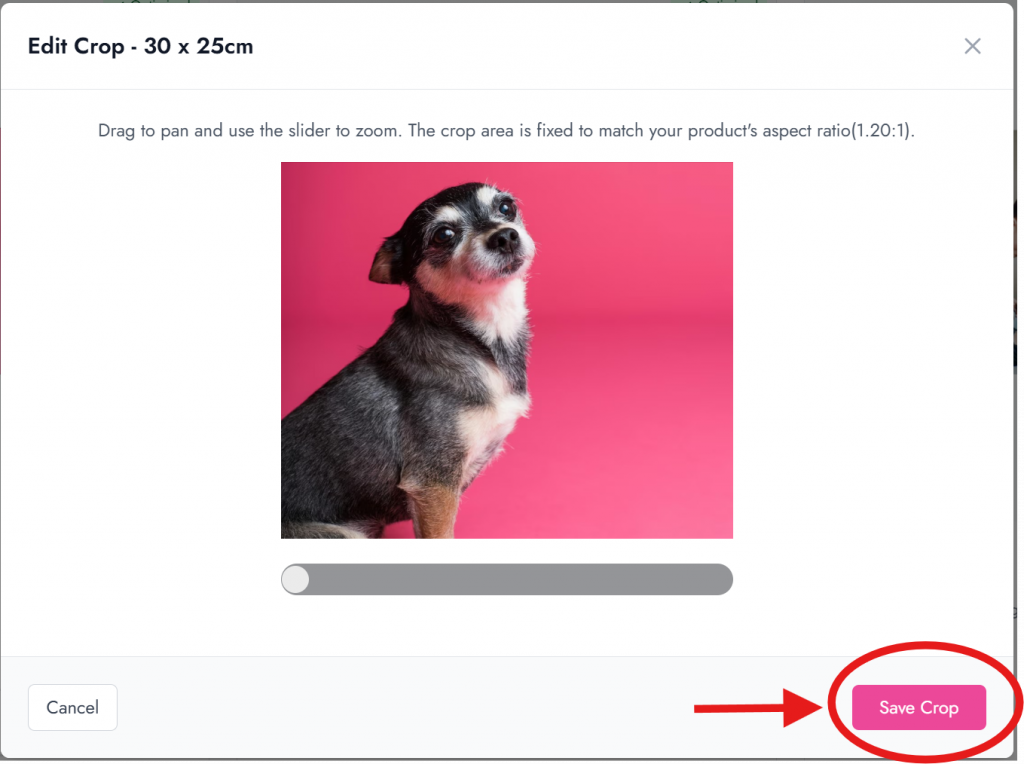
- Click Save Crop to apply your changes.
- Double-check your layout, then hit Add to Cart.
How to Add or Change Photo in GoQuick?
Need to swap out or add photos? Here’s how:
- Click the PHOTOS option on the right-hand side.
- A pop-up sidebar will appear.
- Click Add Photo and select pictures from your gallery.
- Choose Replace or Remove to update any of your three uploaded images.
How to Choose the Ideal Wall Art Size for Your Room?
Want to visualize how your canvas or metal print fits your space?
- Click Measure at the bottom left corner. That’s it.
Instantly see your artwork’s size compared to your sofa, coffee table, or wall. Get a real-time view of proportions—accurate and true to scale!
The Benefits of Using GoQuick
GoQuick AI offers countless advantages that make creating personalized gifts easier and more enjoyable than ever:
- Speed and Efficiency: Create beautiful photo products in a fraction of the time traditional tools require.
- Ease of Use: Our intuitive drag-and-drop interface is friendly for everyone—no design skills needed.
- AI-Powered Enhancements: The AI automatically enhances photo quality for stunning print results.
- Professional Quality: Enjoy crisp, vibrant, high-resolution prints on every product.
- Instant Inspiration: See creative ideas for displaying your favorite moments across our product range.
- Decision Simplicity: View all suggested products in 3D—just a click away!
Conclusion
In short, GoQuick is your all-in-one solution for creating personalized photo gifts in seconds. This smart, AI-powered tool makes it effortless to design high-quality canvas prints, photo cushions, mugs, posters, and more—all celebrating your most cherished memories.
Visit our website today and experience the future of photo gifting with GoQuick AI!